Android
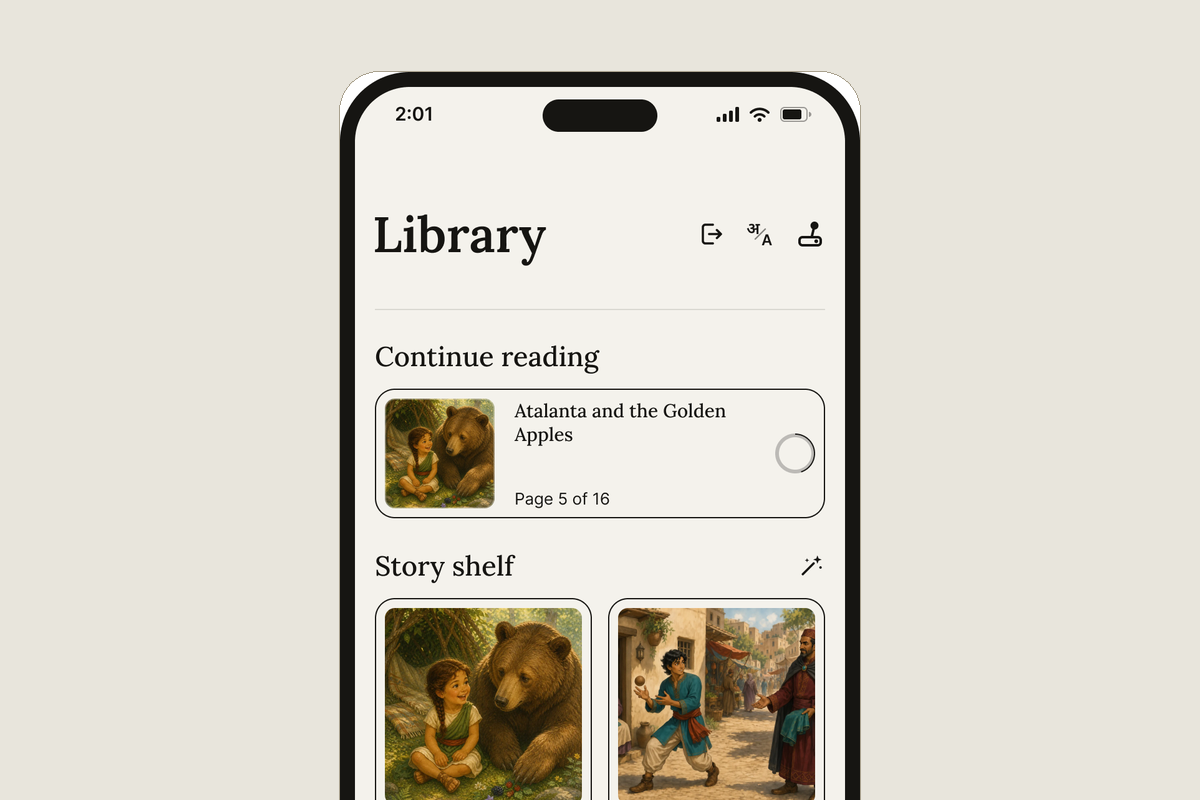
Slate asks the phone to pin itself to Slate. The home button, the notification shade and every other app stop answering until you leave. To leave, tap the small door in the top corner of the library; your phone’s own lock takes over, your fingerprint, your face, or your PIN, pattern or passcode.
iPhone and iPad
Slate Time only starts with Guided Access on, and Slate walks you through switching it on the first time. To leave, press the side button three times (the top button on an iPad, or the Home button if yours has one) and enter your Guided Access passcode, or use Face ID if you turned that on for Guided Access.
On both
Slate holds no passcode of its own. Where a key is asked for, it is the one you already carry, and your child does not know it.